
| - Start of a game |
|
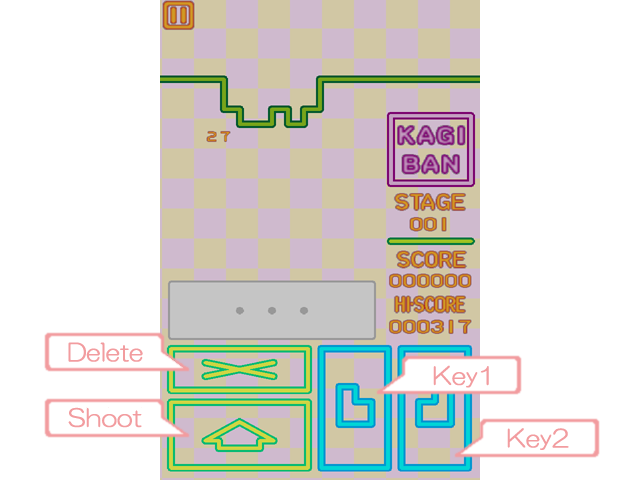
| - The input method |
|
|
| The input of KEYs |
|
|
| Discharge of KEYs |
- If all required KEYs are inputted, [Shoot] icon will be touched and a key will be discharged in the field. |
|
Deletion of KEYs |
- The set KEYs can be deleted if it is before discharging (all the deletion). Please touch [DELETE] icon. |
|
| Acceleration of KEYs | - If [Shoot] icon is touched after discharging KEYs and also KEYs will accelerate. |
|
- How to recommend |
|
|||
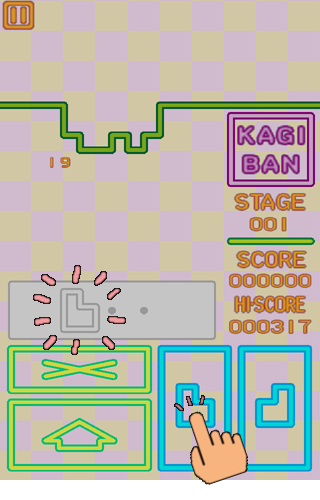
| (1) Choose a KEY, | (2) Discharge. |
|
||
 |
 |
 |
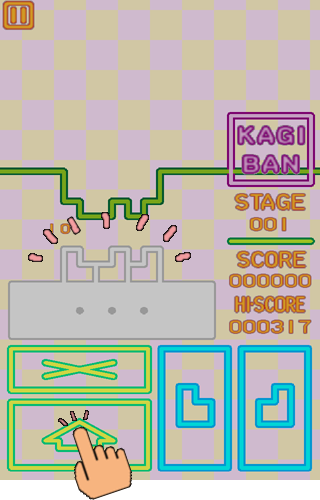 |
|
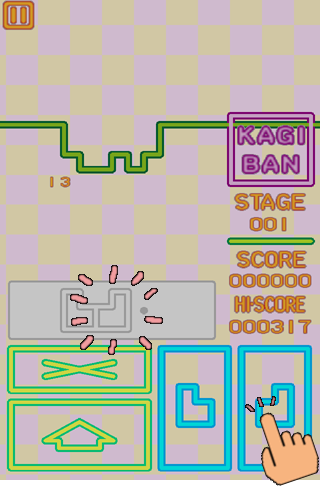
(3) If KEYs are right, |
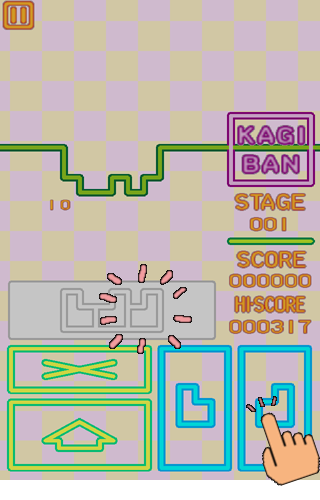
(4) It can destroy. | (5) If KEYs are wrong, | (6) It cannot destroy. | |
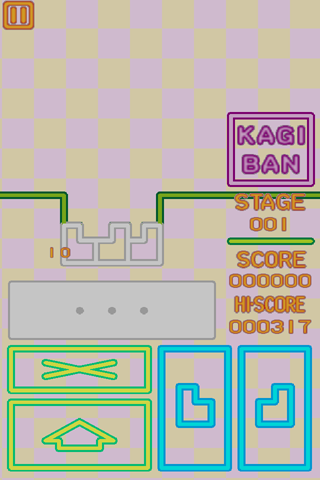 |
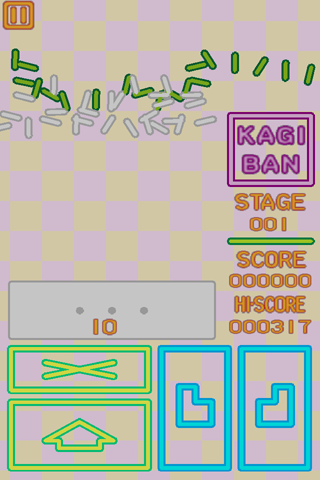 |
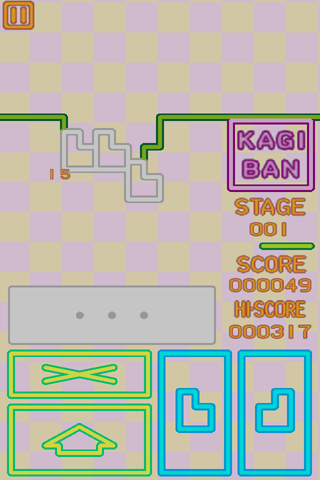 |
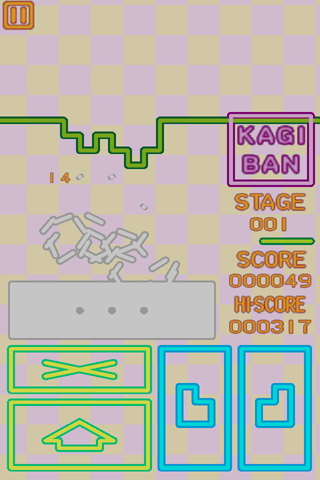 |
| (7) After discharging , | (8) If it touches, | (9) It can destroy quickly. |
|
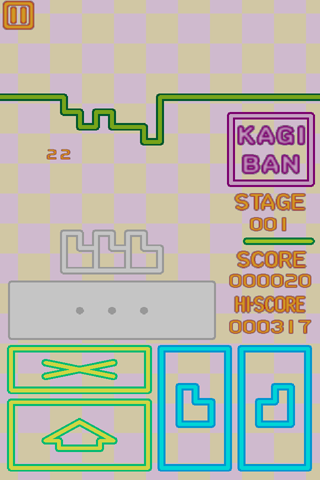 |
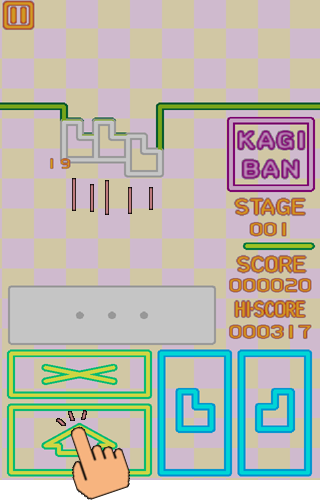 |
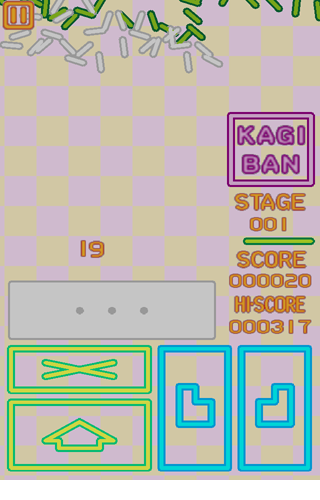 |
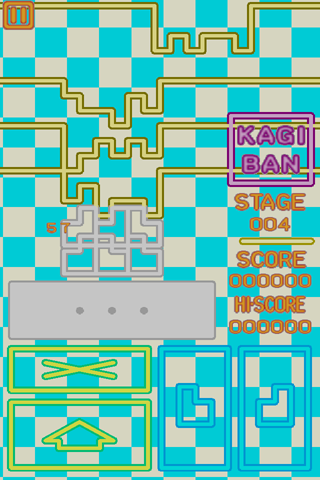
(10) The KEYs for two or more LINEs can be discharged collectively
(to four LINEs). |
|
 |
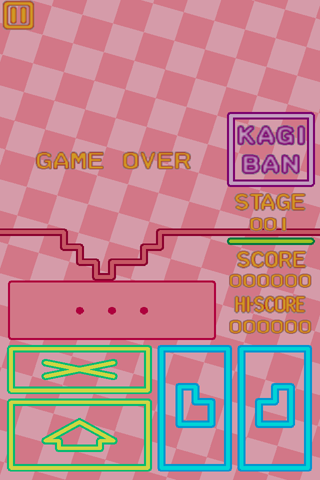
| (11) It is game over when a LINE arrives at a lower end. |
|
 |
- Playback of REPLAY DATA |
(1) [SELECT STAGE] is touched on a title screen. |
- Playback of ONLINE DATA |
*The online ranking data and the replay data may be deleted without preliminary announcement for an administrative reason. |
- Upload of REPLAY DATA |
* When a stage high score is 0 or a name is empty, it cannot upload. |